
Today we are going to install an OS on Your VPS. x.x.x.x will denote your server's IPv4 Address.
1. login to your VPSCP control panel and then Click the right arrow .

2. Click on the Install button. 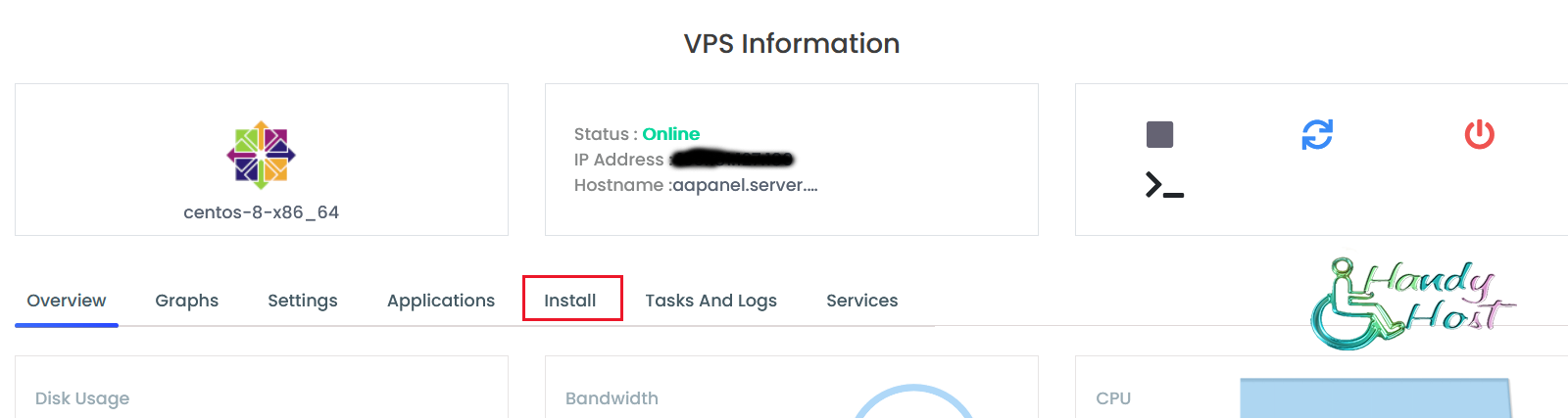
3. Click on the Reinstall OS button Once Navigated Click on Ubuntu and then select 'centos-8-x64-aaPanel' image
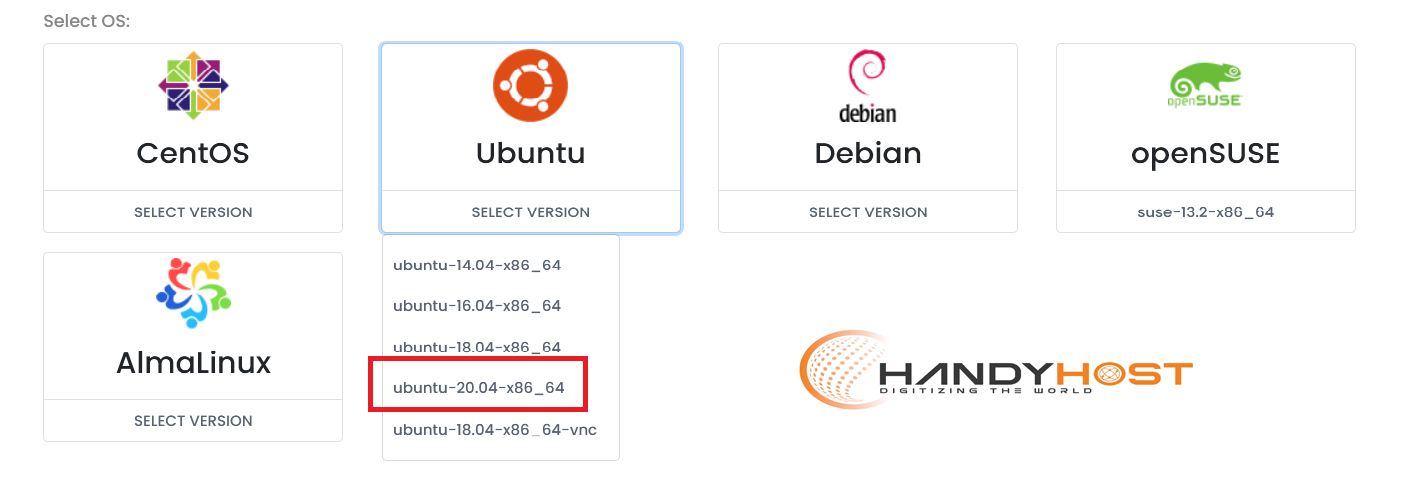
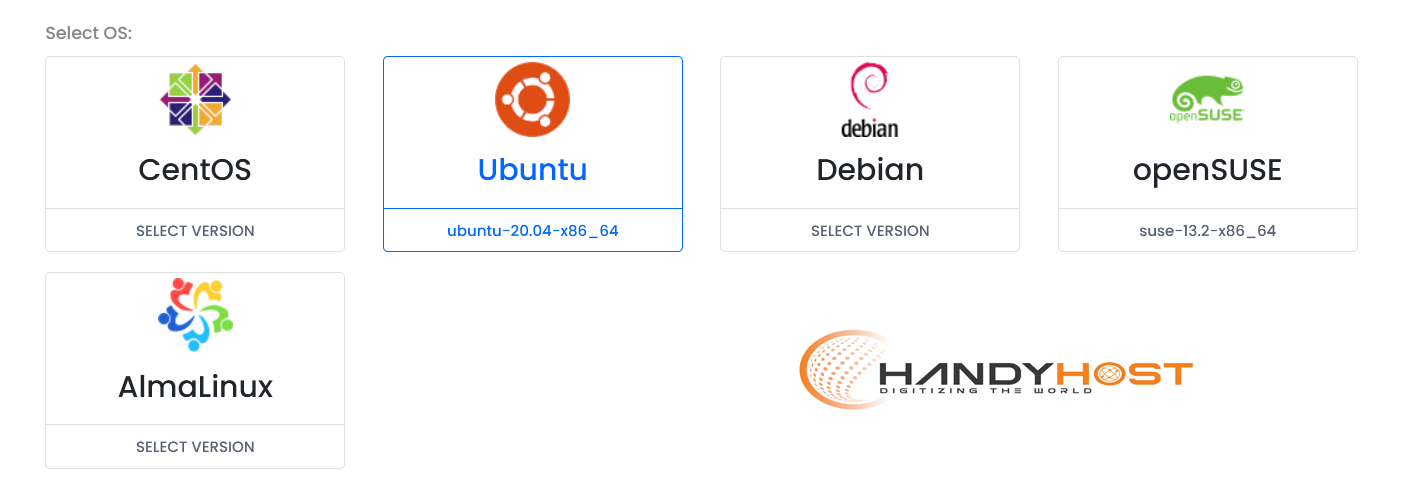
3. Once selected it will highlight in Blue as shown below.
4. Now all we have to do is Generate a Password or you can simply type in a new one and Click on Reinstall. Please note that this will erase all your current data stored on the VPS Server.
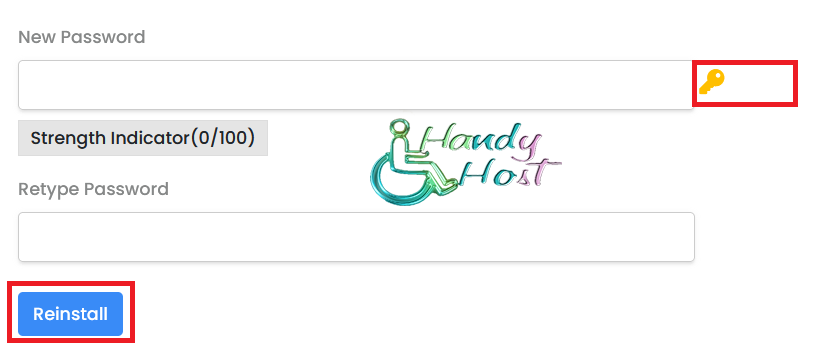
It will show a message 'Reinstalling the OS, Please wait...' Once it is installed log into the server via Putty.
5. Now you can SSH to your VPS from the Public IPv4 address via port 22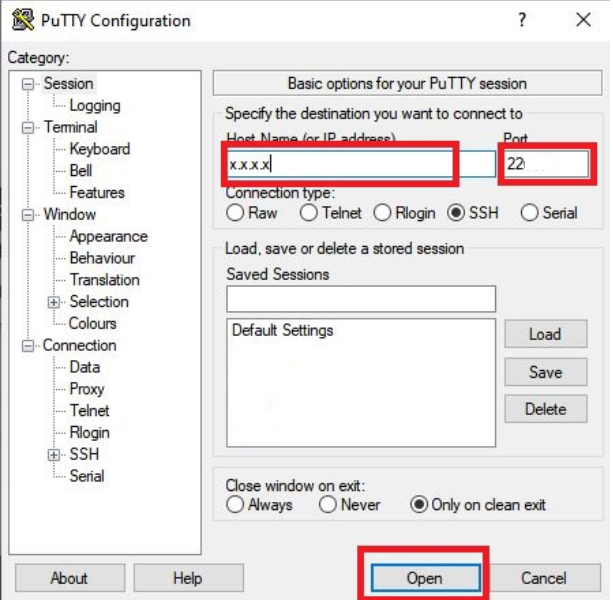
6. Replace xxx with your Public IPv4 Address and login as root
Please open a Support Ticket if you have doubts.
